
doona documentation
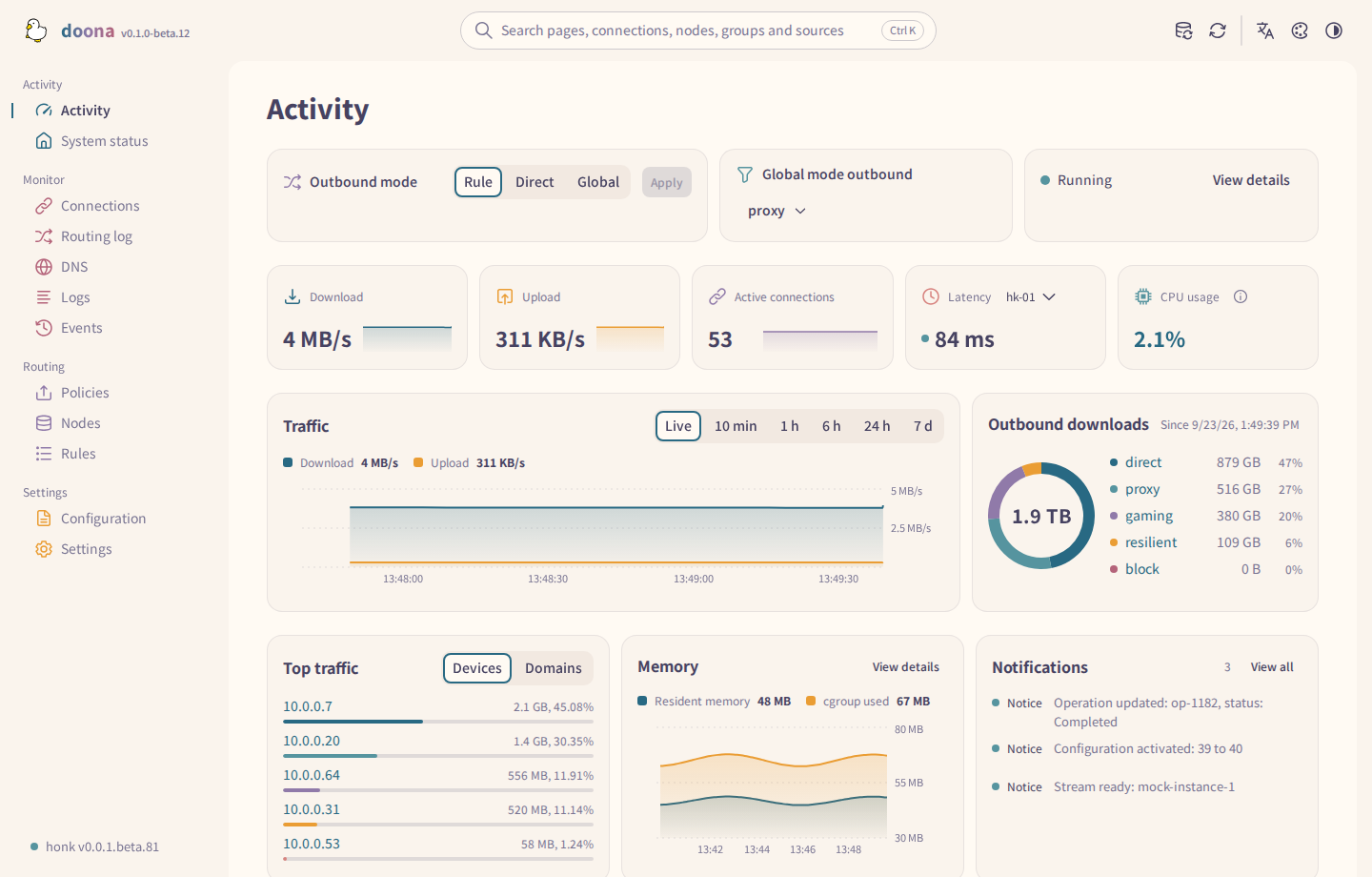
doona is a static web UI for the native API that the daeuniverse engines share: honk today, dae once it implements the same contract. honk is a Rust transparent-proxy engine for Linux gateways; it serves doona itself at /ui/, or any web server can. doona shows what the engine is doing and manages nodes, groups, routing rules and configuration files.
Try the demo with sample data.
Native API status
doona needs honk's native API, which exists only in builds from the feat/native-api branch of Glassyiris/honk and its rolling debug release. On that branch, native-api is opt-in; release and debug builds, including those attached to doona 0.1.0-beta.12, include it. Builds of daeuniverse/honk main reject every native_api setting as unknown experimental setting; /api and /ui/ answer 404. A build from feat/native-api without the feature stops with native-api feature is required when native_api is enabled. These pages were checked against debug.2026.9.30.native-api.5 (commit 25377686). Keys and defaults may change before upstream honk releases the API.
Pages
For a new gateway, read Requirements and the install page for your system, then the First run pages in order: Minimal configuration, Service management and First sign-in. After the first sign-in, continue with the Interface tour in Guides.
- Requirements: the kernel, the honk build, browsers and build tools.
- Install doona and honk-core on Debian or Ubuntu, Fedora or RHEL, Arch Linux, Gentoo, OpenWrt or another system.
- Installation details: the manual installation in one page, doona on another origin, distribution packages and updates.
- Minimal configuration: the smallest configuration that serves doona, and how to check it.
- Service management: run honk as a systemd or procd service; start, stop, reload and read the log.
- First sign-in: create the administrator and check the overview.
- Interface tour: pages, the top bar, panels and how changes are held, applied or saved.
- Watching traffic: Activity, System status, Connections, Routing log, DNS, Logs and Events.
- Routing, nodes and rules: policy groups, nodes and subscriptions, rules and Trace.
- Config and settings: the Configuration and Settings pages.
- Common tasks: step-by-step procedures for frequent changes.
- Configuration: an example honk configuration with the native API, and what each
native_apifield enables. - Features: check each doona feature against the settings it needs, the resources each page reads, and the settings doona keeps in the browser.
- Troubleshooting: startup errors, the state database, a missing native API, sign-in and read-only sources.
- Development: build and test doona, the source layout and the API contract.
Links
- doona releases
- Glassyiris/honk
debugrelease - honk quick start
- doona issues; report engine problems to honk or dae