Features
First confirm that the gateway carries traffic. Replace the example subscription and node with working ones, then from a real LAN client test direct and proxied TCP, UDP and DNS. honk-core is running, the dae0 link or a reachable API does not prove that traffic flows.
Check every feature
The example configuration sets the options used by the features below. Replace the placeholder subscription and node, then verify each feature.
| Feature | Works when | Depends on |
|---|---|---|
| Sign-in and every page | After sign-in, Activity shows traffic and connections. | enabled: true, and password_auth: true or secret |
| Configuration: edit sources | Every file in the source picker opens without a read-only mark, and Apply and reload validates and reloads. | config_write: true; the file contains no secret |
| Configuration: new files | New file creates a .dae file that an include pattern of the main file loads, such as config.d/rules.dae. |
config_write: true |
| Policies: edit groups | A group card offers Edit, and saving applies it. | config_write: true; the group is in the main file, which contains no secret |
| Nodes: add nodes and subscriptions | The Nodes page offers Paste node link and Add subscription. | config_write: true; the main file contains no secret |
| Nodes: refresh subscriptions | Each subscription row has Refresh. | A subscription entry, and honk’s subscription service running |
| Settings: geodata sources | The Geodata card lists sources you can edit. | The state database |
| Settings: geodata Update | Update on the Geodata card is enabled. | config_write: true; geosite.dat and geoip.dat in data_dir; the state database, or both geosite_download_url and geoip_download_url |
| Settings: backend options | The Backend options card sets Flow recording to On flow demand, Always or Off, and Log recording and DNS log to With panel, Always or Off. | record_flows, record_logs, record_dns_log |
| Settings: geodata checksum | Verify checksum can be turned off for a trusted mirror that returns an error for its .sha256sum URL. |
A backend that offers verify_checksum and the state database |
| Activity: traffic and memory history | The history charts fill over up to 10 minutes. | record_traffic, record_memory |
| Logs | Log lines appear while the page is open. | record_logs |
| DNS: queries, cache and log | Queries and the cache are listed; the log fills while the page is open. | record_dns_log for the log; the dns section |
| Connections: close and edit matched rule | Close connections, or open a writable matched rule on Rules to change only its outbound. | enabled: true; editing needs rules and a writable source |
| Rules: routing and DNS rules, flows, Trace | Edit routing rules and DNS request and response rules; view hits, flows and Trace simulation. | routing for routing rules; record_flows for flows; a backend that lists DNS rules for the DNS rules tab; config_write: true and a writable source for edits |
| DNS: create a rule from a resolution | A resolution record can open a new DNS request rule for the domain and its subdomains. | A backend that lists DNS rules and a writable configuration |
| Policies: check settings | Edit a group's tolerance and idle timeout when the backend marks them changeable. | groups and the fields in mutable_config |
| Overview: runtime degradations | The Datapath card warns when honk continues with a reduced feature after a recovered failure. | runtime.degradations |
| Latency tests | Test on a node and Test all on a group show latency. | enabled: true; a private target also needs probe_allowed_cidrs |
| Events | The Events page shows the event stream. | enabled: true |
In the default On flow demand mode, Connections and Rules request flows while open; recording continues for 60 seconds after the last request. Log recording and the DNS log run while a panel is attached. A recorder that is allowed but idle is normal.
If a feature is still missing
- honk was not restarted after
native_apichanged. A reload does not apply these fields. config_write: trueis absent. Anative_apifield written directly underexperimentalstops honk with “unknown experimental setting”.- Neither
password_auth: truenorsecretis set, and anonymous loopback is not enabled. Withenabled: true, honk then refuses to start.allow_anonymous_loopback: truewith a loopbacklistenadmits requests without a token, with the same access as bearer-authenticated requests. Use it for local development only. - The file contains a secret or text equal to one, so doona shows it read-only.
- honk is an early
feat/native-apibuild, so the Geodata card has no source settings. Install the build from the doona release; see honk version. - In token mode, the state database did not open, so the geodata sources card is hidden; see State database problems.
- Only when honk runs with
--store db, which this guide does not use: a revision honk could not record blocks writes until the next successful activation.
After sign-in
For interface guides and task procedures, see the documentation index.
Every configuration-source write goes through the engine. doona sends the hash it read the source at (If-Match); a file changed on disk answers 412 and nothing is written. The engine validates the whole source set before saving and reloading, and a failed reload keeps the previous generation active. Dry-run validation never writes, and redacted text is never written back. Runtime settings and group selection are separate endpoints with their own checks.
Pages and the resources they need
| Page | Shows | Needs |
|---|---|---|
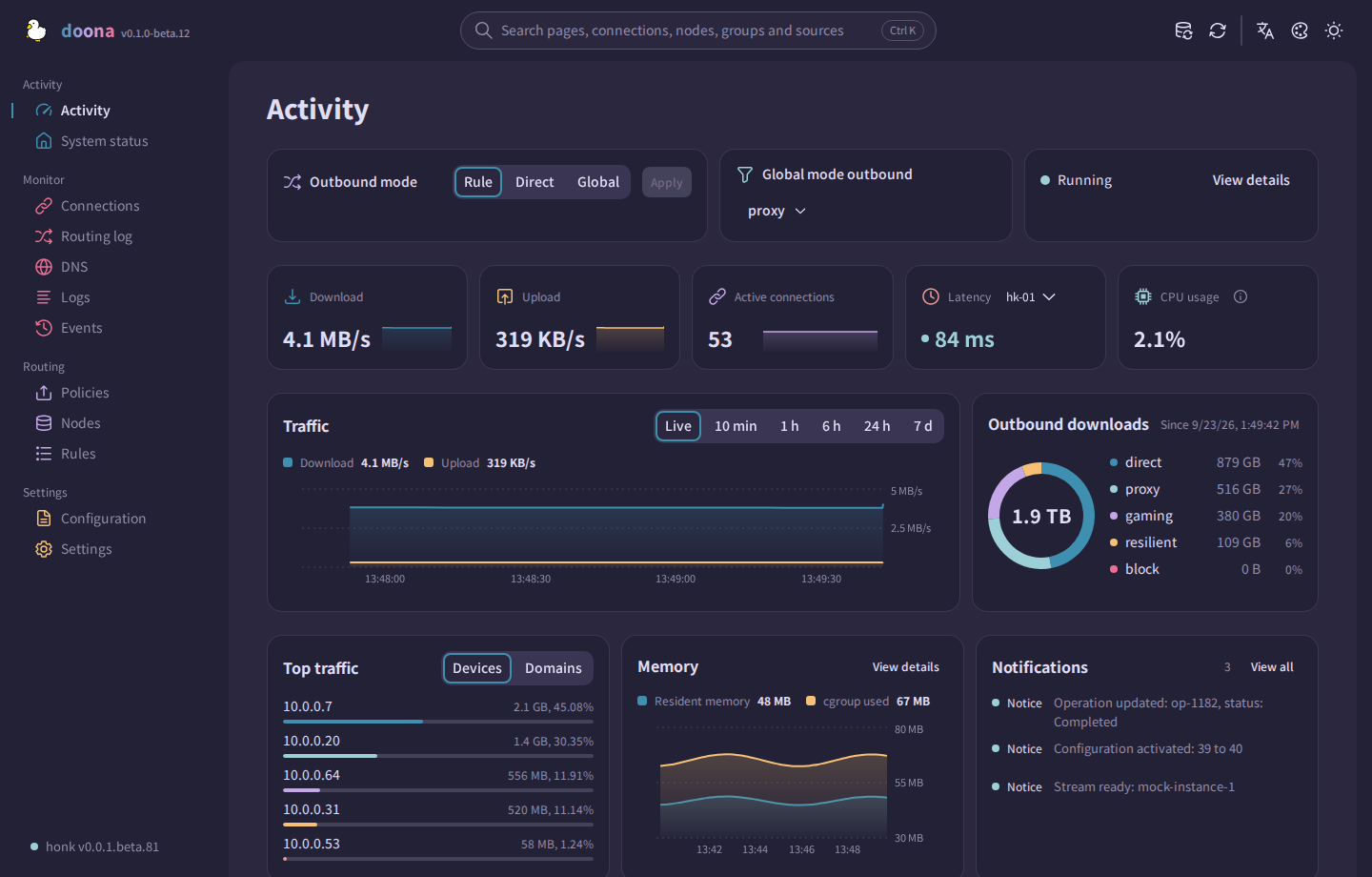
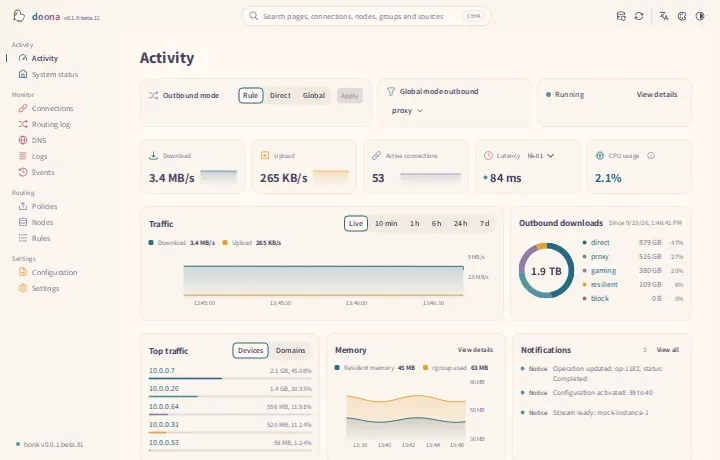
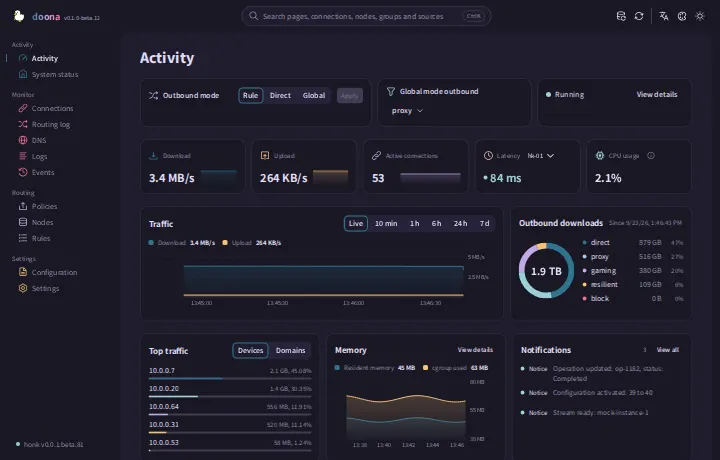
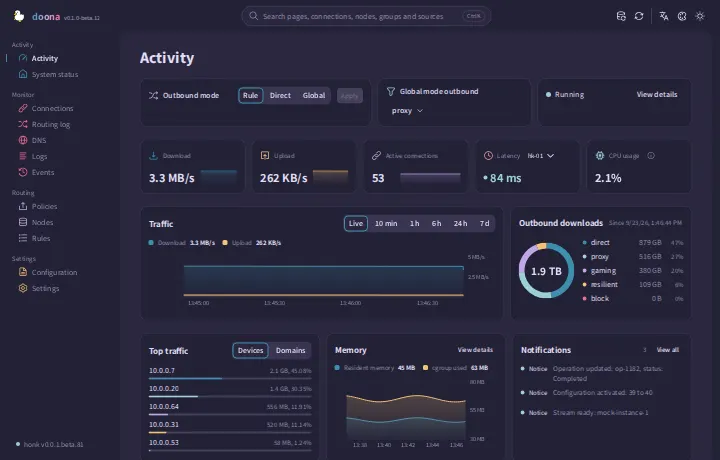
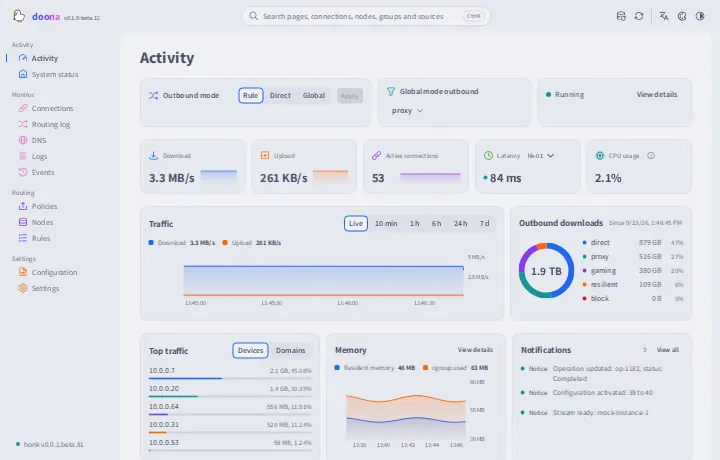
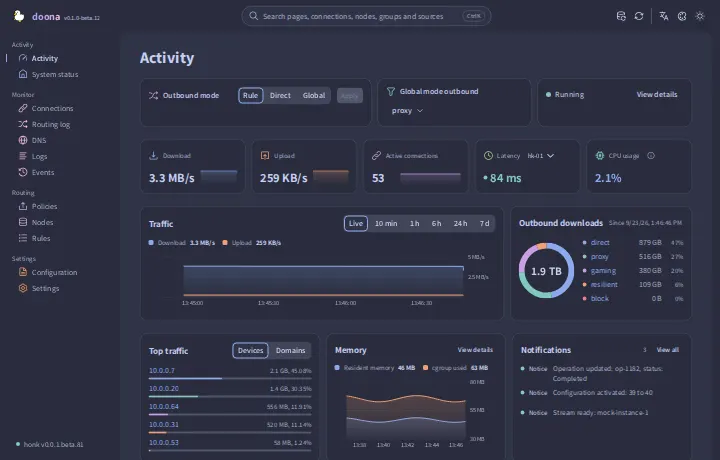
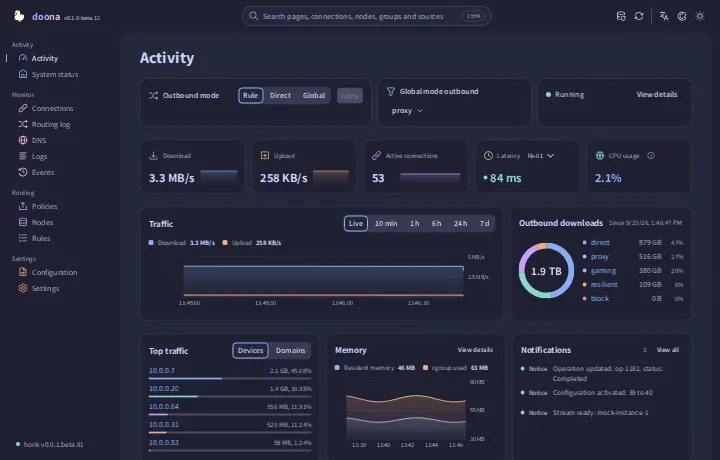
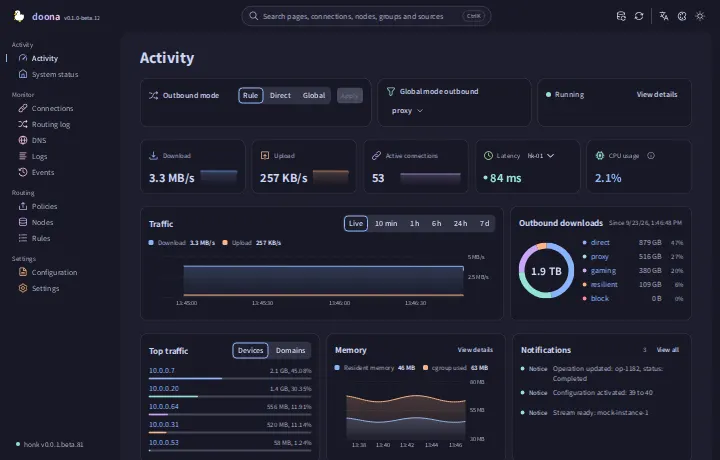
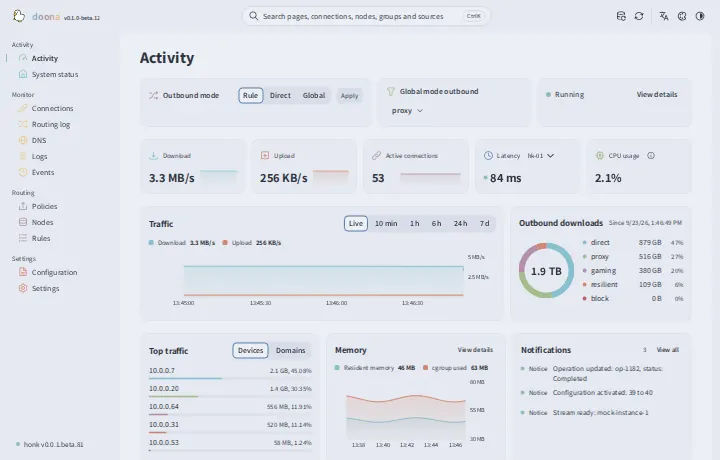
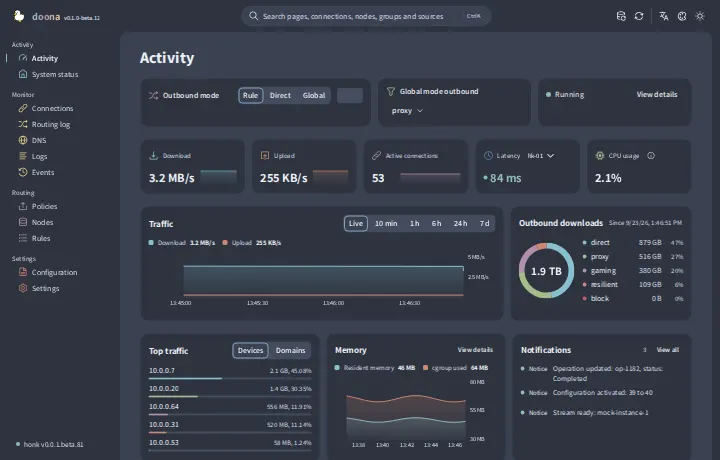
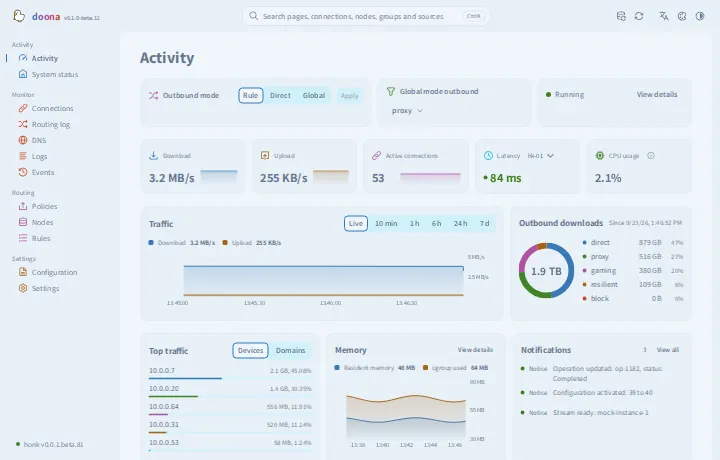
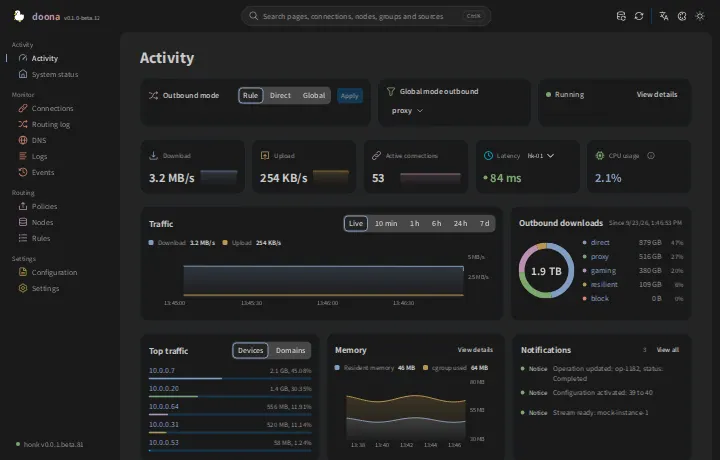
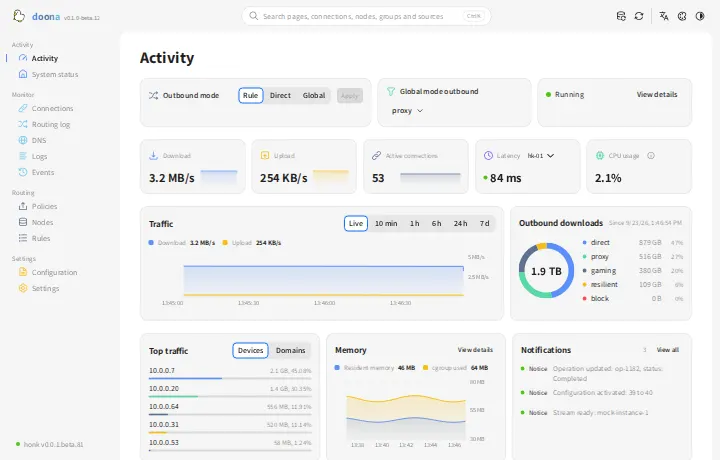
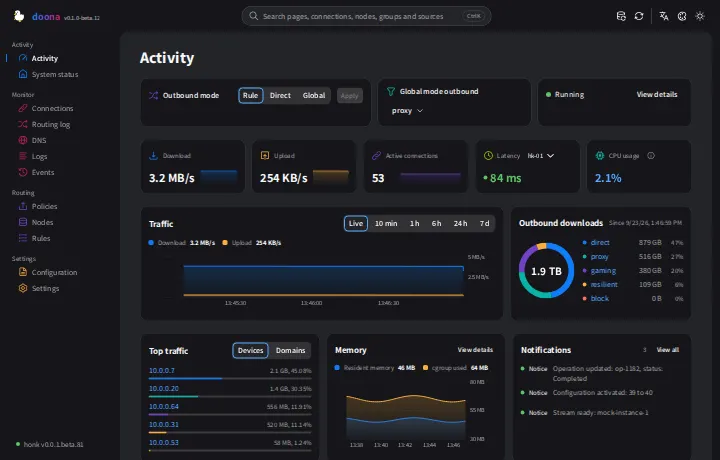
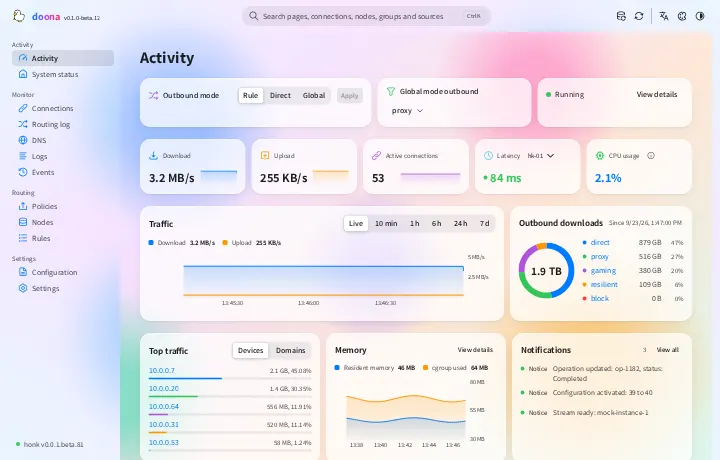
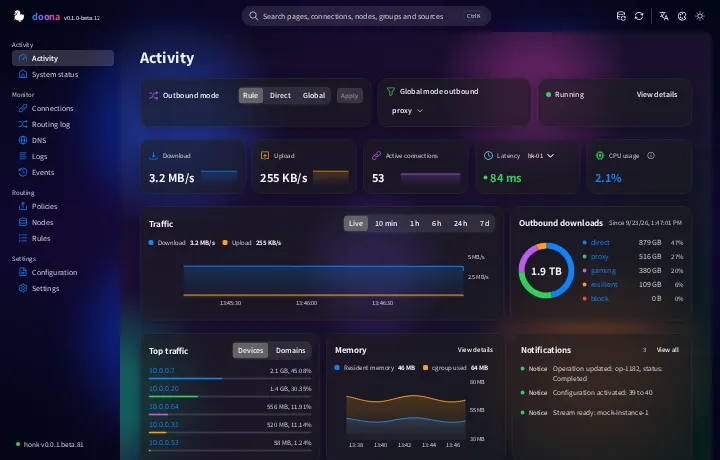
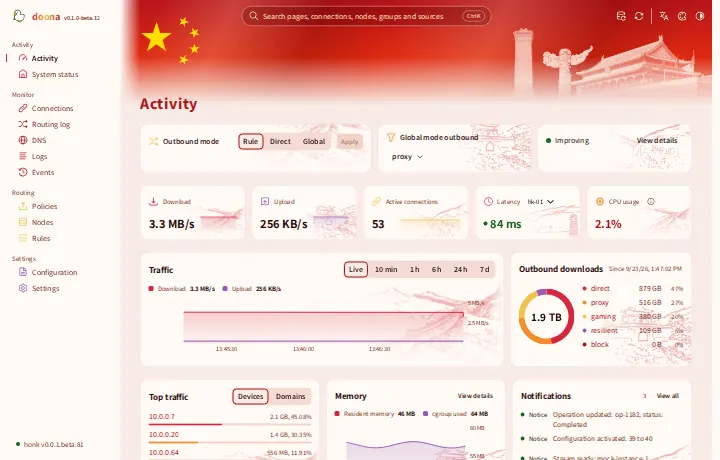
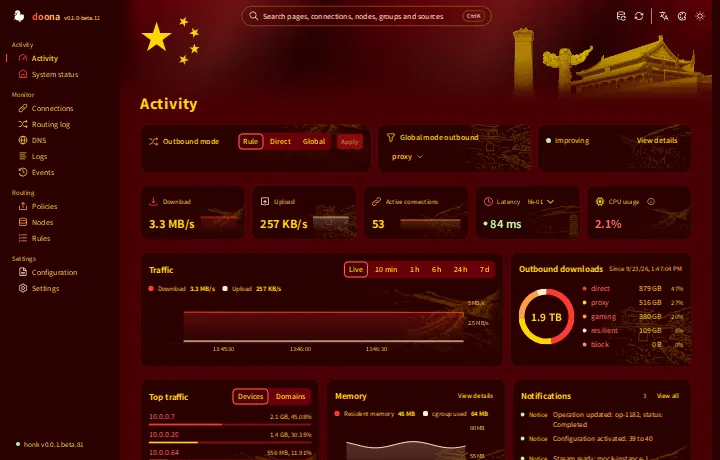
| Activity | Outbound mode, traffic and memory, active connections, node latency, outbound usage, top clients and notifications | — |
| System status | Engine and eBPF state, traffic counters, backend capabilities, runtime degradations and status as JSON | runtime |
| Connections | Live connections with source, destination, rule, chain and traffic; close one or all, or edit a matched rule; URL filters | connections |
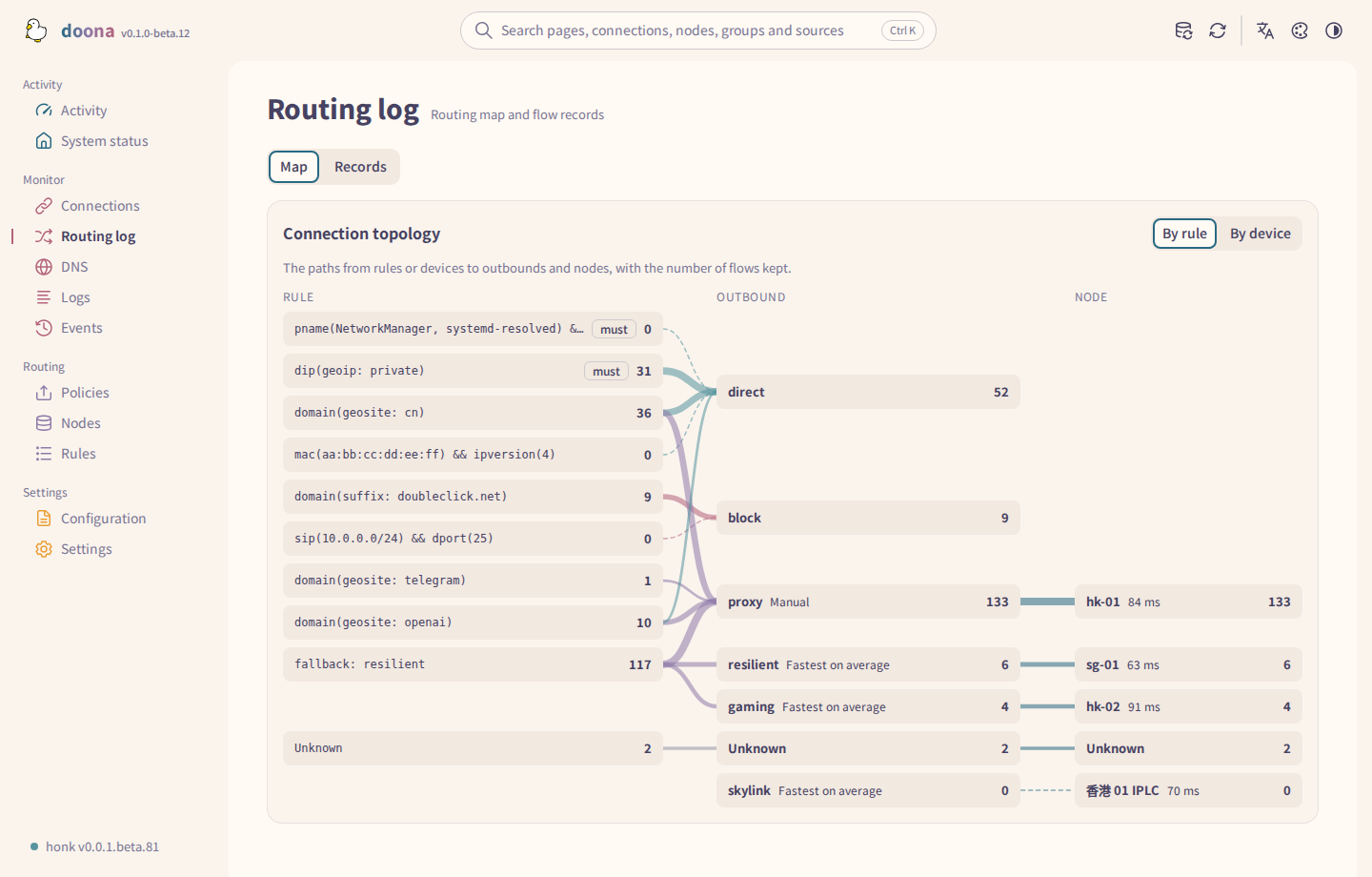
| Routing log | The routing map and flow records with their trace steps | flows |
| DNS | Queries and their answers, the cache and resolution log; create a DNS request rule from a resolution; flush | dns_query, dns_log, dns_cache |
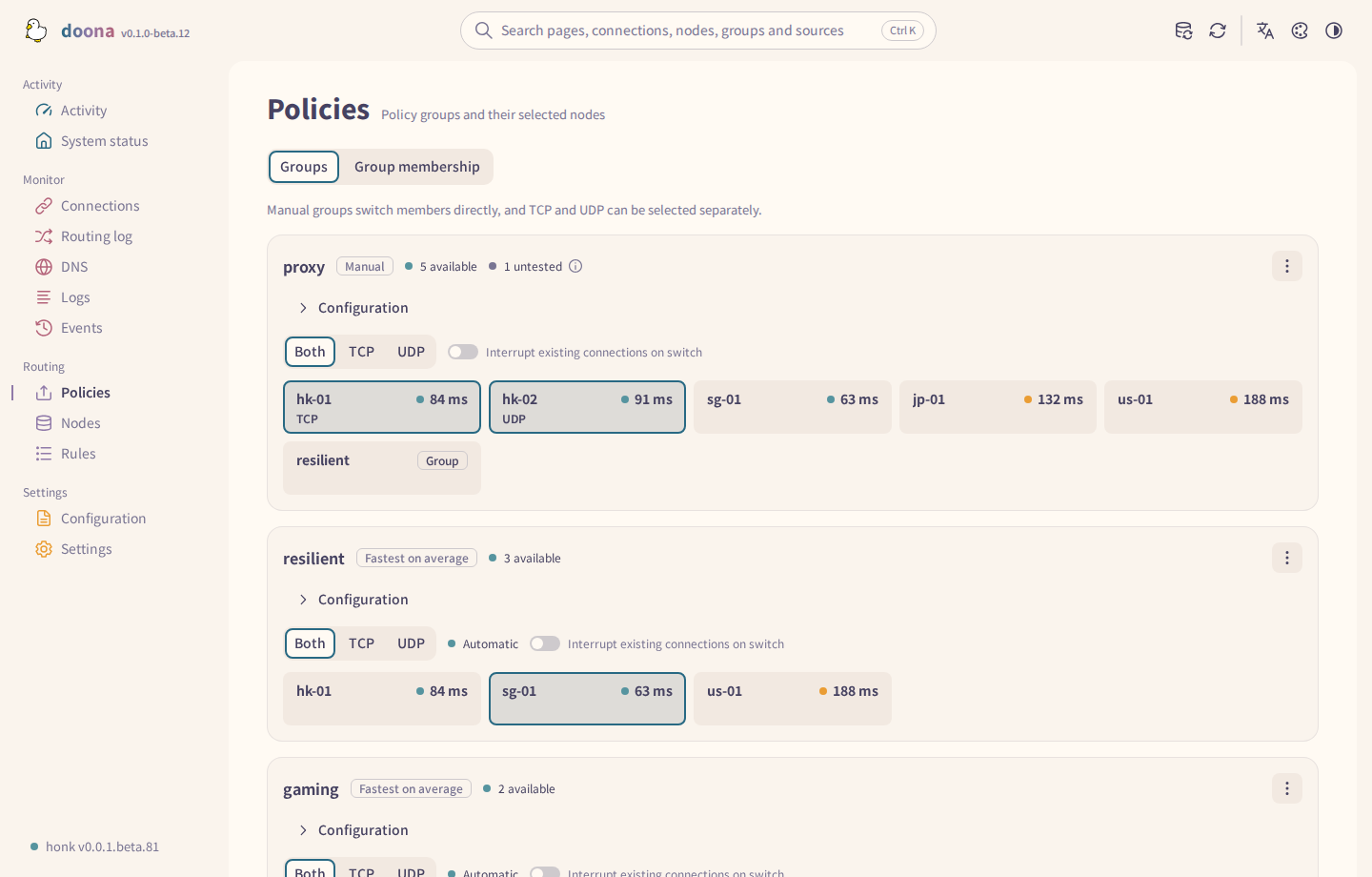
| Policies | Groups, their members and health; selection, pinning, probing, editing and check settings | groups |
| Rules | Routing and DNS rules and Trace simulation; DNS rules appear only when the backend lists them | rules, flows, routing_trace |
| Nodes | Subscriptions and their refresh interval, inline nodes, add and remove, probe and join a group | nodes, providers |
| Configuration | Sources with diagnostics, an editor with validation, quick setup and export | config |
| Events | The backend event stream | events |
| Logs | The log stream with level and module filters, pause and export | logs |
| Settings | Backends, runtime settings and backend actions, language, appearance and palette | — |
Every page remains in navigation. A page is marked unavailable only when every resource listed for it in registry.ts is unavailable; opening it shows an unavailable notice. Ctrl K (⌘ K on macOS) searches pages, connections, nodes, groups, subscriptions, rules and sources from anywhere.
Theme gallery
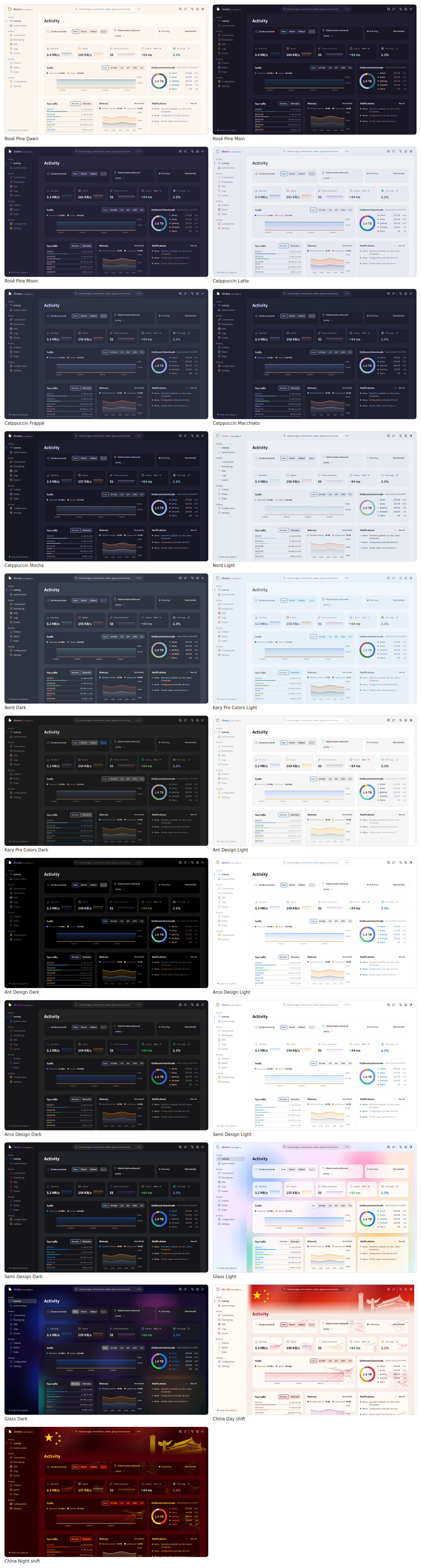
| Palette | Light | Dark |
|---|---|---|
| Rosé Pine Dawn / Main | Dawn | Main |
| Rosé Pine Dawn / Moon | Dawn | Moon |
| Catppuccin Latte / Frappé | Latte | Frappé |
| Catppuccin Latte / Macchiato | Latte | Macchiato |
| Catppuccin Latte / Mocha | Latte | Mocha |
| Nord | Snow Storm | Polar Night |
| Kary Pro Colors | Light | Dark |
| Ant Design | Default | Dark |
| Arco Design | Light | Dark |
| Semi Design | Light | Dark |
| Glass | Light | Dark |
| China | Clock-in | All-nighter |
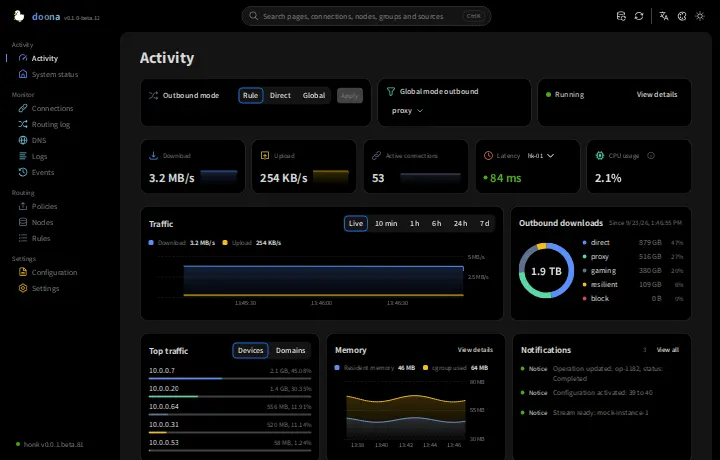
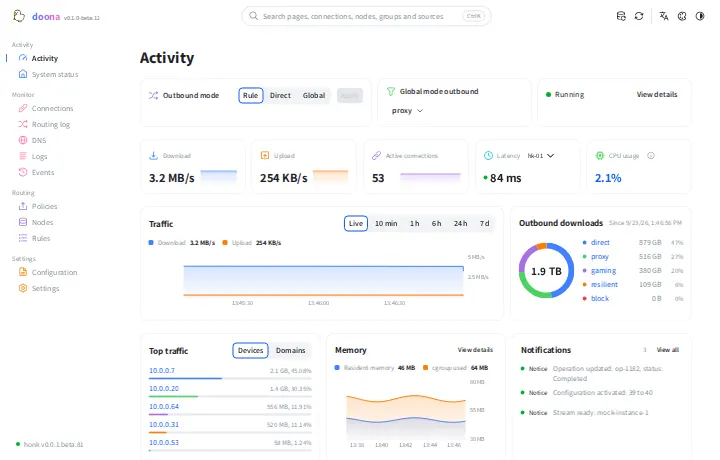
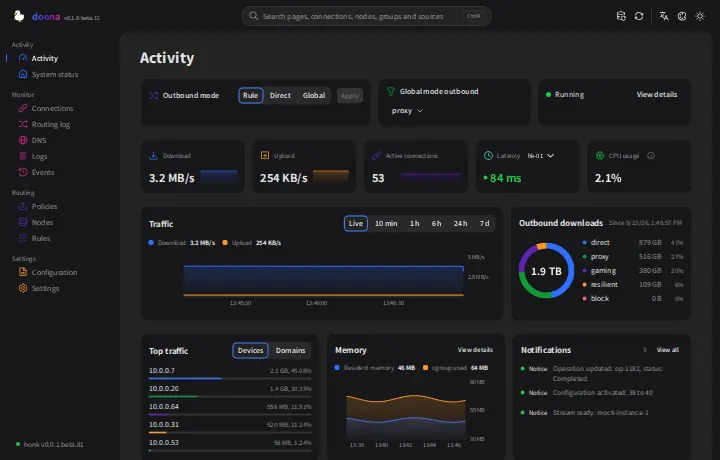
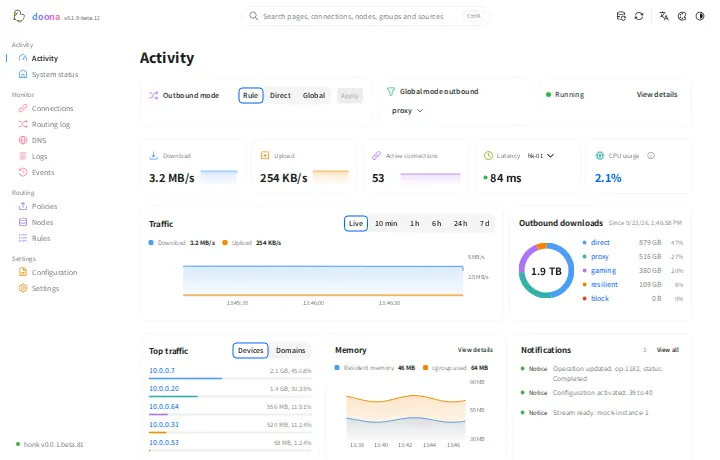
Settings stored in the browser
doona has no server-side store for its own UI settings. Configuration and runtime changes are written through the engine; doona's UI settings live in the browser's localStorage for the site's origin. The main keys are below; storage.ts lists all of them.
| Setting | Key | Values |
|---|---|---|
| Backends | doona-profiles |
JSON list of {id, name, api, token}; api is a server root or proxy prefix, empty or mock for demo data. For password backends, token is empty and honk manages the session; doona keeps its session token in this tab's sessionStorage. In token mode, API requests send the token in the Authorization header. Pairing links may carry it in the URL fragment and remove it on load. |
| Active one | doona-profile |
id of the selected backend |
| Language | doona-lang |
zh-TW, zh-CN, en; unset follows the browser language |
| Colour scheme | doona-scheme |
system (default), light, dark |
| Palette | doona-palette |
rose-pine/moon (default); the other ids are the PaletteId union in palettes.ts |
| Wordmark | doona-wordmark |
gradient (default), plain |
The saved theme and language are applied before the first paint, so a reload does not flash the default look.
Over HTTPS or on localhost a service worker precaches the application shell and caches fonts and icons, so the pages open offline and the site can be installed as an app. API responses are never cached. See SECURITY.md for reporting a vulnerability.